School dinners
How to book school dinners
School dinners are booked in the SchoolGateway app.
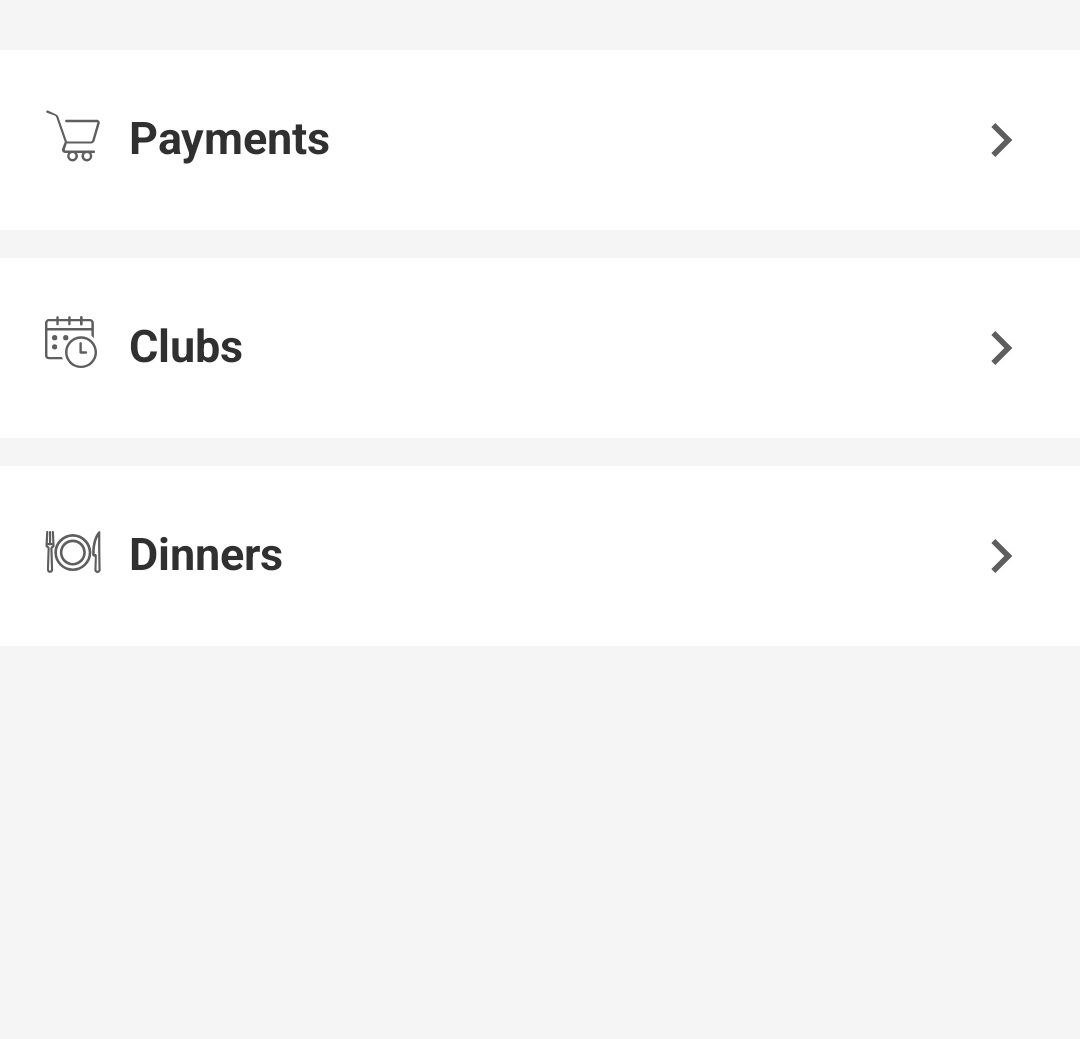
1. Open SchoolGateway and tap Dinners
In the app, go to Dinners. You will see it with Payments and Clubs.
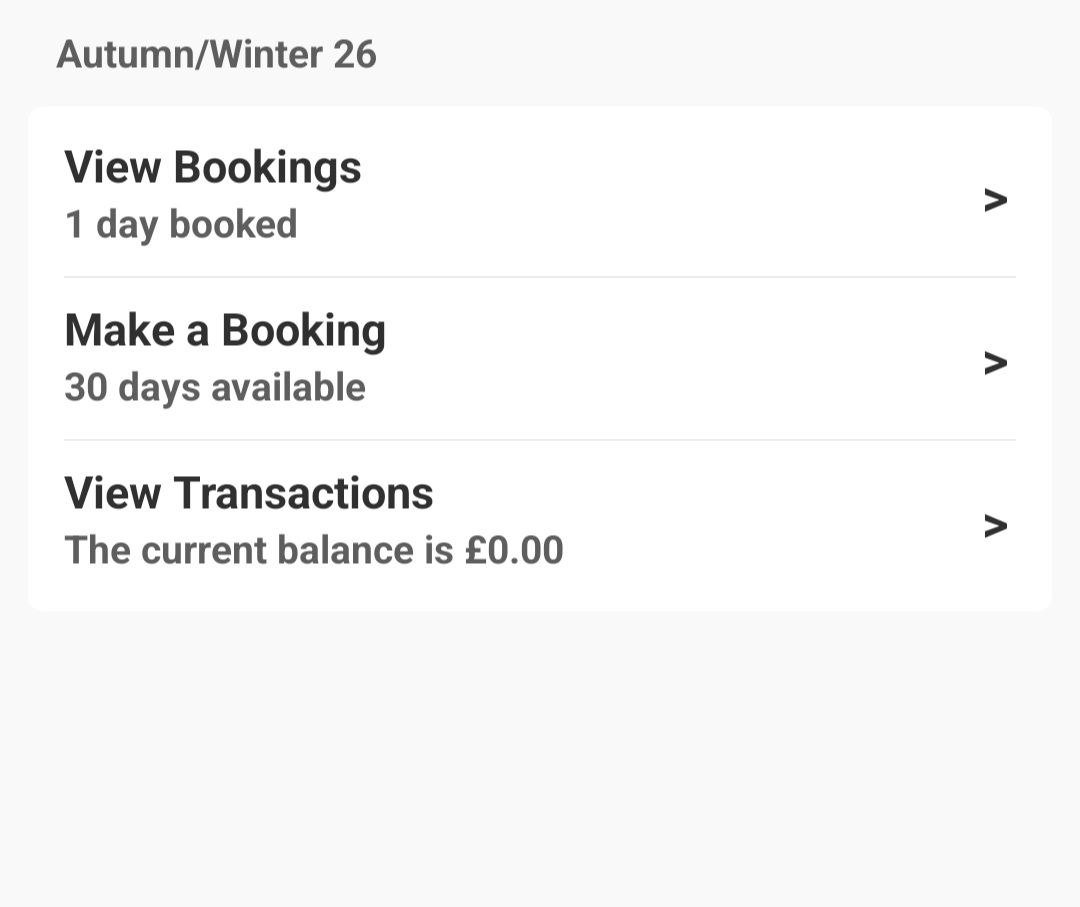
2. Tap Make a Booking
Choose Make a Booking for the current menu, for example Autumn/Winter 26. You can also view bookings you have already made.
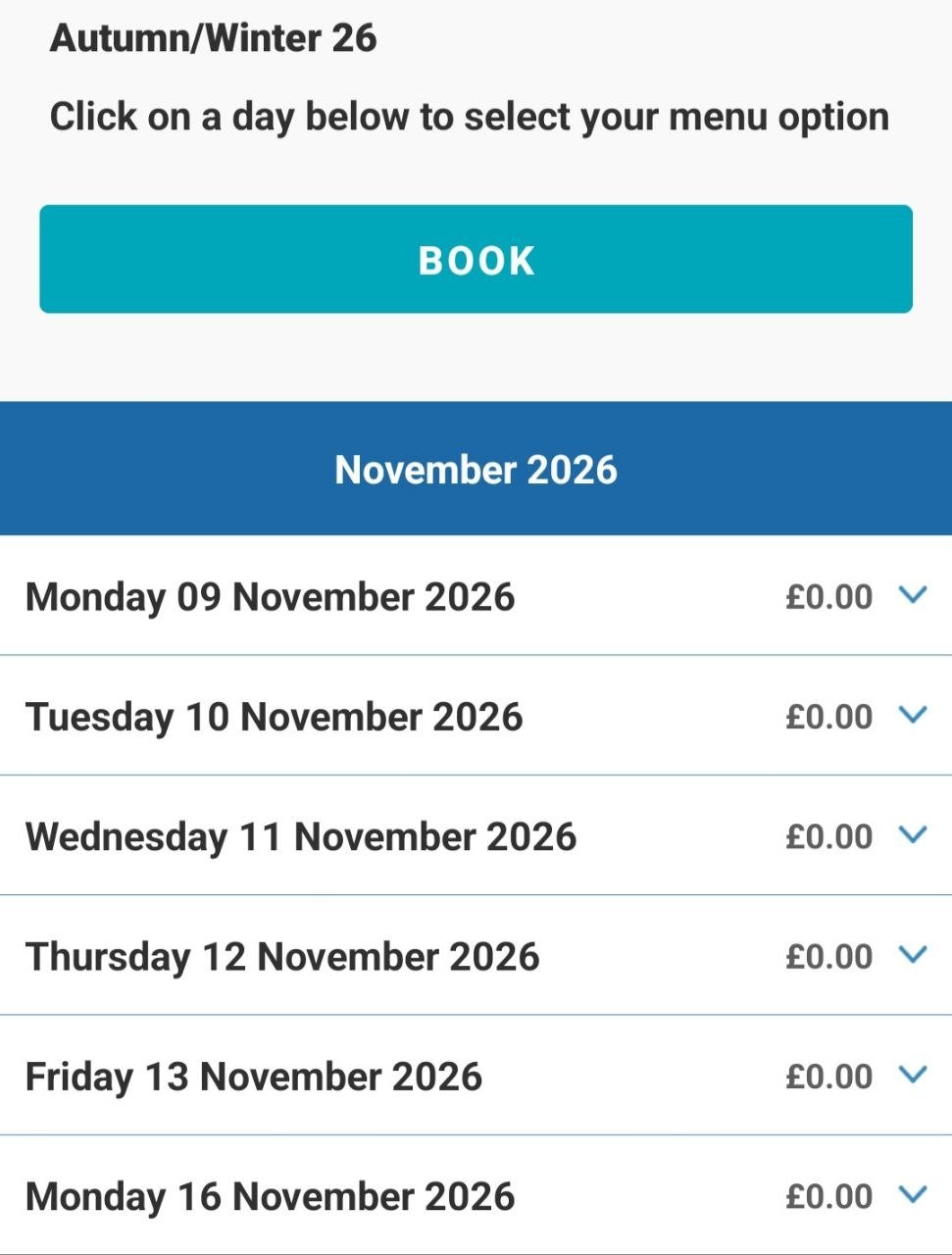
3. Choose the days and tap BOOK
Tap a day to select the menu option, then tap BOOK.